
Welcome to My Profile Stylish Text — Bio Greetings to Copy
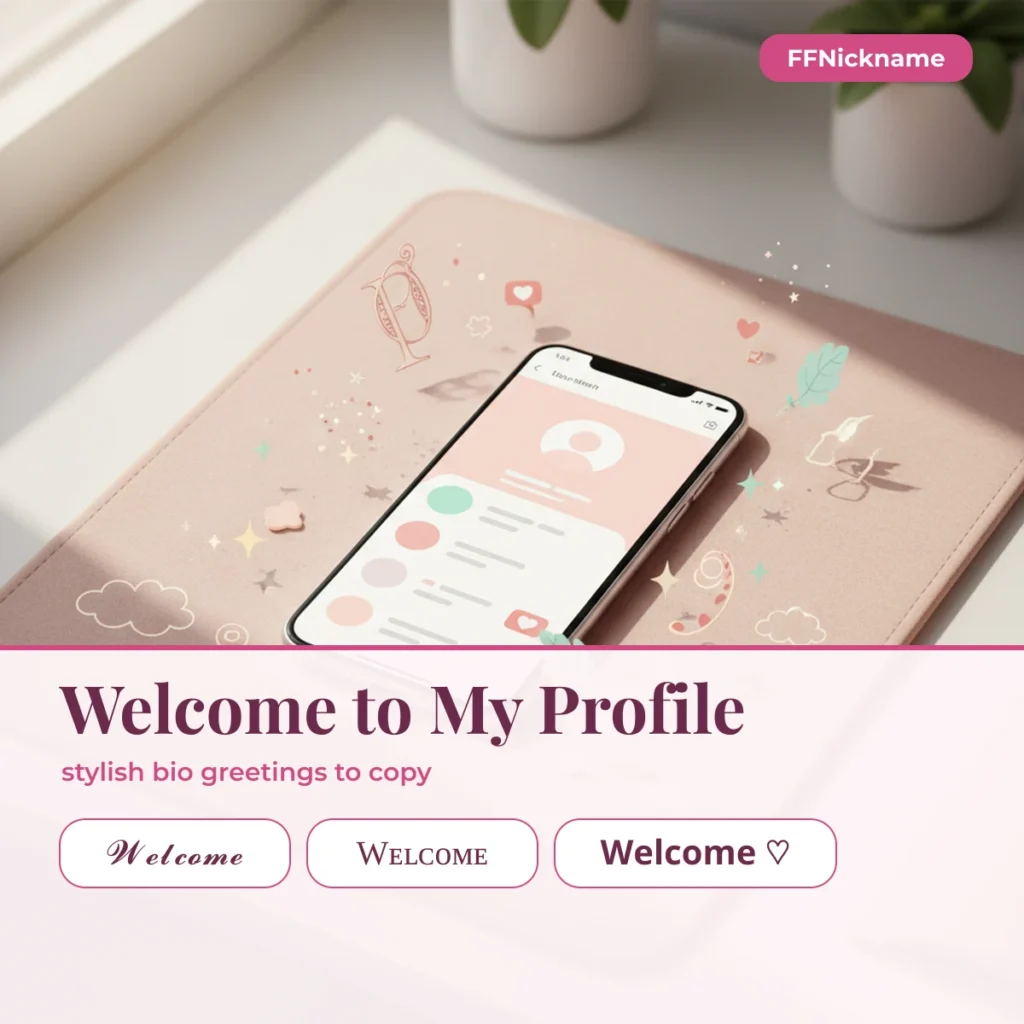
“Welcome to my profile” stylish text is the greeting line people put at the top of an Instagram, Free Fire or WhatsApp bio, written in decorative Unicode fonts such as 𝓦𝓮𝓵𝓬𝓸𝓶𝓮 𝓽𝓸 𝓶𝔂 𝓹𝓻𝓸𝓯𝓲𝓵𝓮. FFNickname gives you 104 ready versions, each copied in one tap.
Tip: type your real name, e.g. "Bao Nam", "ProZ" or "Shadow".
Results for "NickName"
0 styles · tap a card to copySymbols & emojis
Popular nicknames for —
Type your own greeting or name in the box above to style it, or pick a ready line below. The full phrase has 21 characters, so it belongs in a bio: Instagram allows 150 characters there. For a Free Fire name, use the short Welcome styles, which fit the 12 characters players report.
Welcome to my profile in 13 fonts
The same line in bold, script, gothic, double-struck, monospace and small caps. Script and bold look the most polished on Instagram; small caps reads cleanly on every phone.
Framed welcome lines
A frame turns the greeting into a header for your bio. Keep one frame per line so the text still reads at a glance.
Short “Welcome” for names
These are 7 characters, well inside the 12 that players report for a Free Fire name (verify in your rename screen). None has been entered in the game by our team yet, so treat them as not tested yet.
More welcome lines
Greeting lines from our symbol pool, filtered for invisible characters and adult or gambling words. Some carry emoji, which suit Instagram and WhatsApp better than a game name.
Symbols, kaomoji and emoji
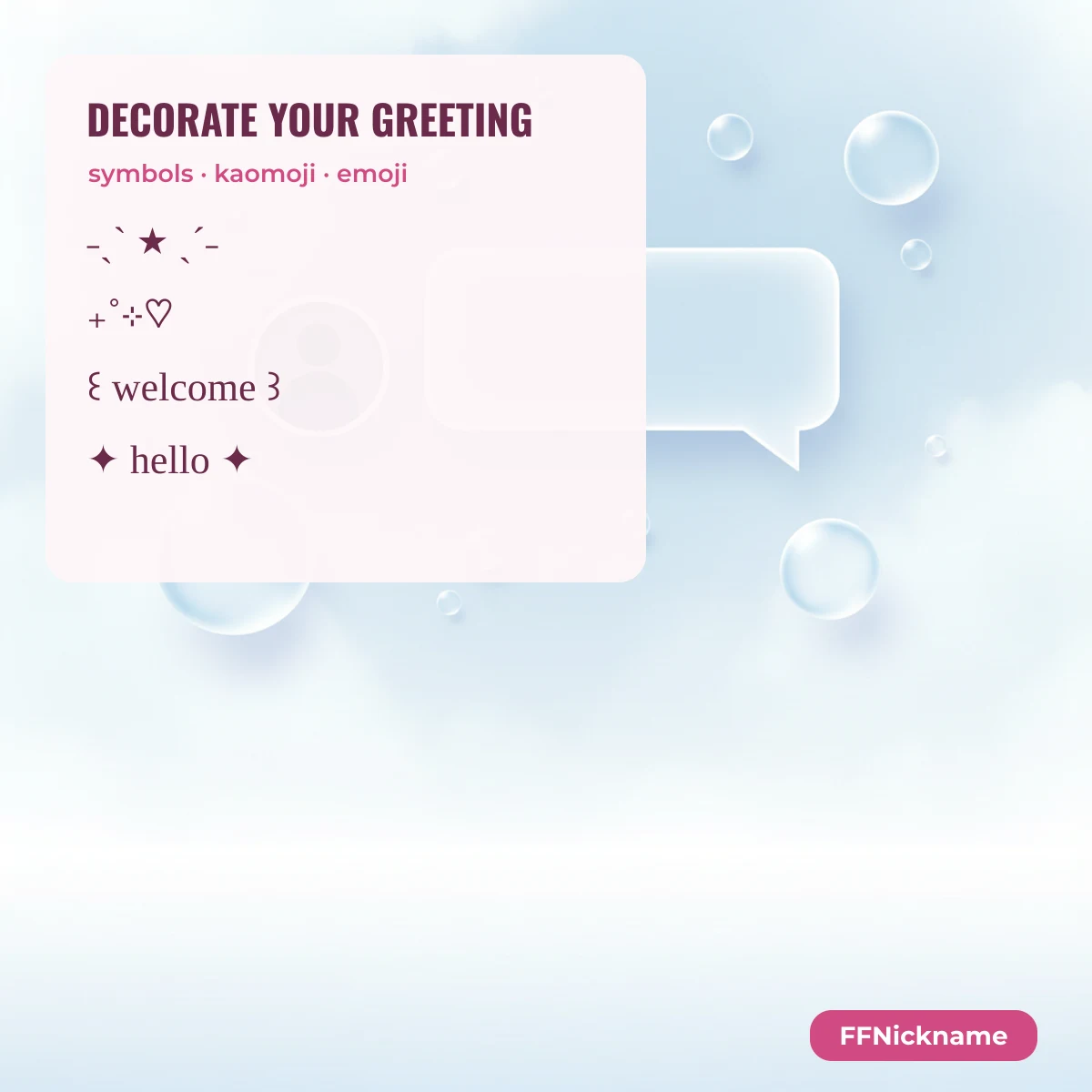
Build your own line: add a symbol before the greeting, a kaomoji after it, or an emoji at the end.
Symbols
Kaomoji
Emoji
How to use it in your bio
Copy a line, open your profile editor and paste it as the first line of your bio. On Instagram, styled fonts work in the bio and display name but not in the @username, which only accepts letters, numbers, dots and underscores. Add a line break after the greeting so it reads as a header.
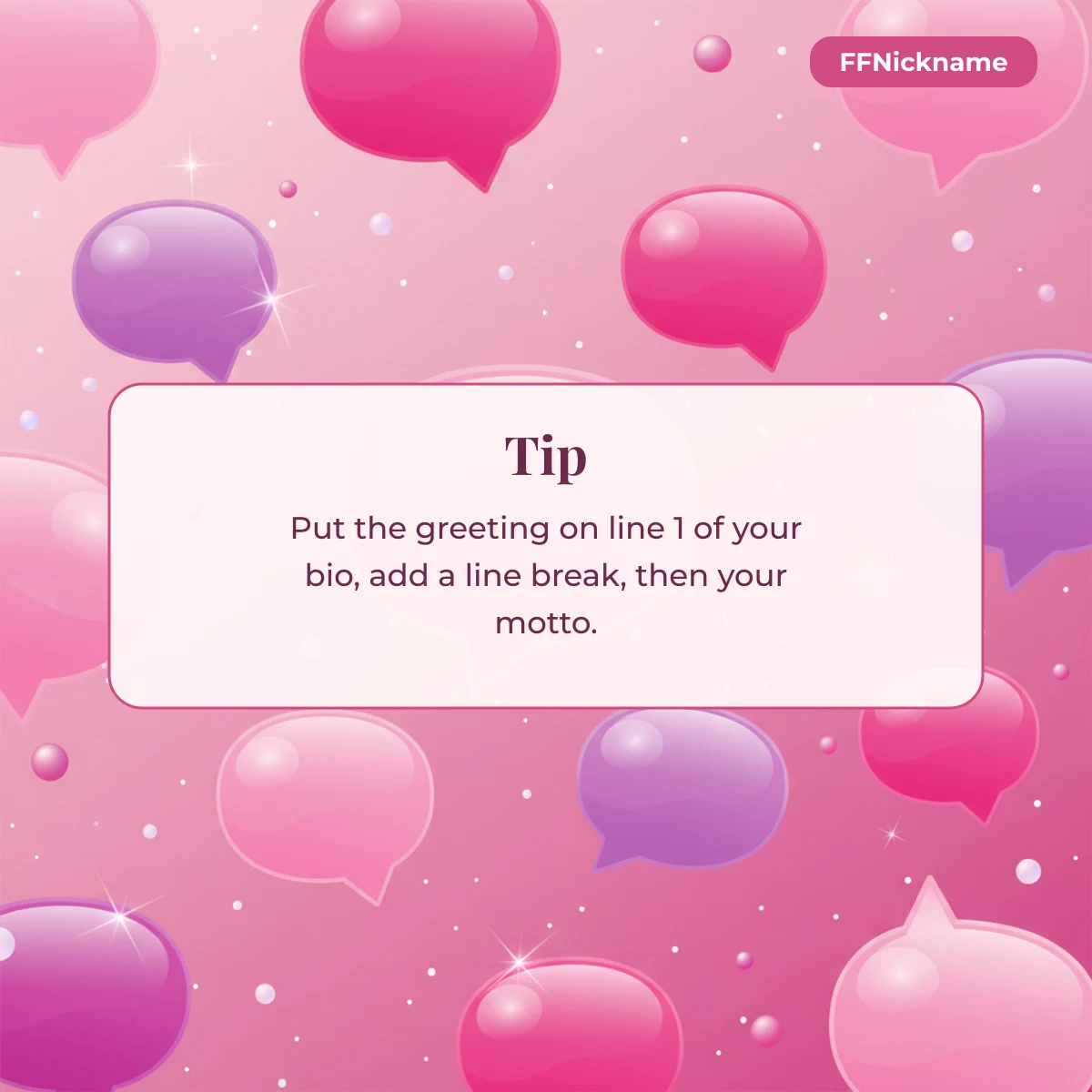
Pair the greeting with a motto line: the born to express, not to impress stylish text works well as a second line. For other bio lines, see small stylish text, birthday stylish text and like, comment and share lines.
FAQ
How do I write “welcome to my profile” in a stylish font?
Tap any card on this page to copy a styled version, or type the words in the generator at the top and pick a style.
Can I use “welcome to my profile” as my Free Fire name?
Not in full: it has 21 characters and players report a 12-character limit. Use a short styled “Welcome” in the name and keep the full line for your bio.
Why does the text look like boxes on my phone?
Your phone lacks one of the characters. Bold, italic and small caps are the safest; rare symbols box more often.
Where else can I use these lines?
Instagram and TikTok bios, WhatsApp about, YouTube channel descriptions and Free Fire guild notices.
Style any other name or line with the FFNickname generator. FFNickname is an independent fan site and is not affiliated with Garena or Instagram.
Last updated: 9 October 2026